hyprmoncfg: Multi-Monitor Manager for Omarchy
It won mainly because more people copied the install command, and it had more GitHub stars.
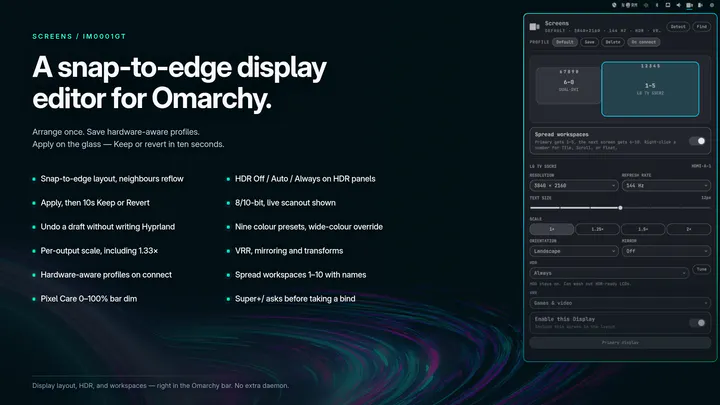
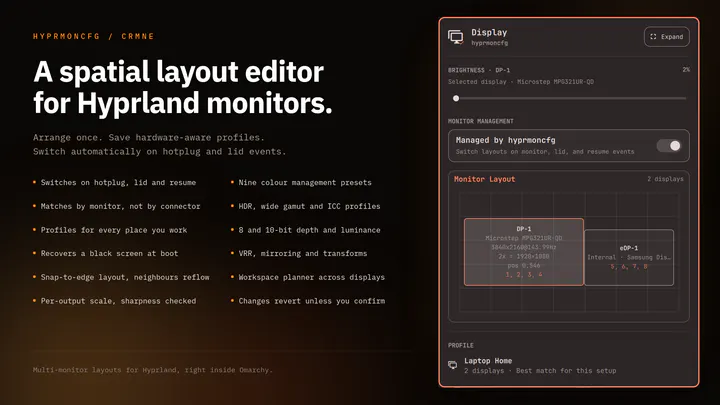
Plug your monitors in and the right layout comes back. Save a profile per setup and hyprmoncfg applies it automatically on hotplug, on lid open and close, and after suspend. Layout editor with per-display brightness, snapping, per-output scale and sharpness checking, HDR, wide gamut and ICC colour management, mirroring, rotation, and a workspace planner. Profiles match monitors by make, model and serial rather than the port they are plugged into, so moving a cable does not break your layout.
omarchy plugin add https://github.com/crmne/omarchy-hyprmoncfg.git --enable
A ranking is not an endorsement or a safety review. Inspect the plugin yourself and install it at your own risk. Read the full note
For plugin authors
Copy this markdown into your README to show that you won this category this week.

[](https://omapicks.com/picks/display-monitors/)